

Download Web Snapper – Fast, Secure Mac Web Content Downloader
Overview
Web Snapper is a lightweight, trial‑version internet utility designed exclusively for macOS. Developed by Tastyapps, this tool belongs to the “Content Downloaders” subcategory of Internet software, allowing users to capture webpages, images, videos, and other online assets with a single click. First added to our catalog in 2012, Web Snapper has already amassed 97 downloads, a modest figure that reflects its niche focus on Mac power users who need a fast, no‑frills solution for grabbing web content.
The current version, 3.2.7, was last updated on December 5 2012, ensuring compatibility with macOS X and earlier releases. Although the program occupies less disk space than the average internet application, it does not compromise on functionality. It supports English‑only interfaces, which keeps the UI clean and straightforward.
As a trial version, Web Snapper lets you explore its core features without a financial commitment, making it an attractive option for anyone looking to test a secure, easy‑to‑use web‑snapping tool before deciding on a full purchase.
Key Features and Easy Installation
- One‑click capture of complete web pages, images, and video streams.
- Batch downloading support for multiple URLs at once.
- Built‑in preview window to verify content before saving.
- Customizable output formats (HTML, PDF, JPEG, MP4).
- Automatic file naming based on page title or user‑defined patterns.
- Low memory footprint – runs smoothly on older Mac hardware.
- Secure HTTPS handling ensures downloaded content is not corrupted.
- Regular updates (last update 12/05/2012) keep the software compatible with modern browsers.
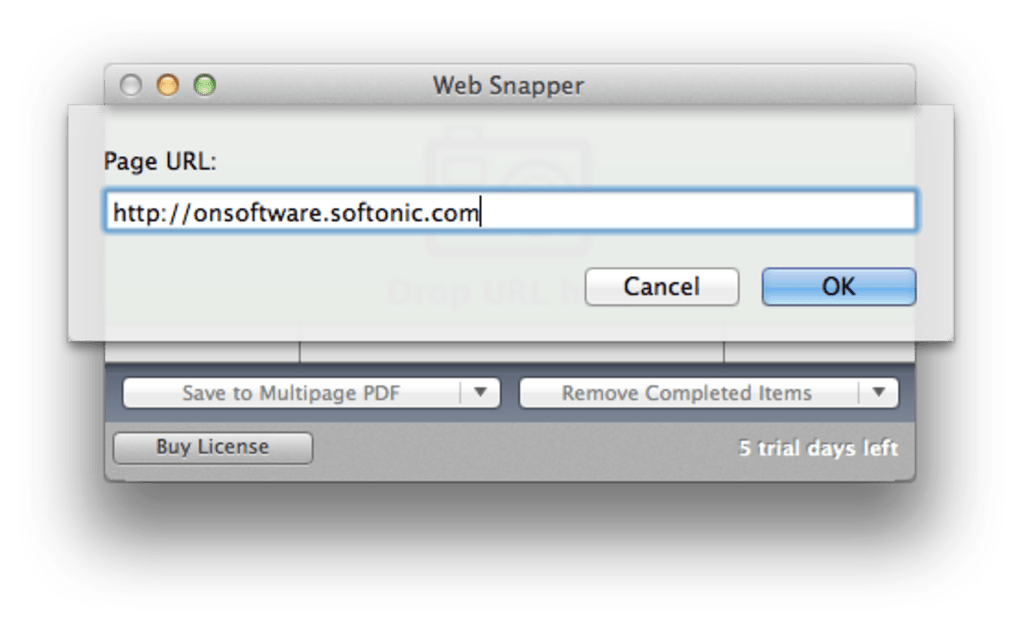
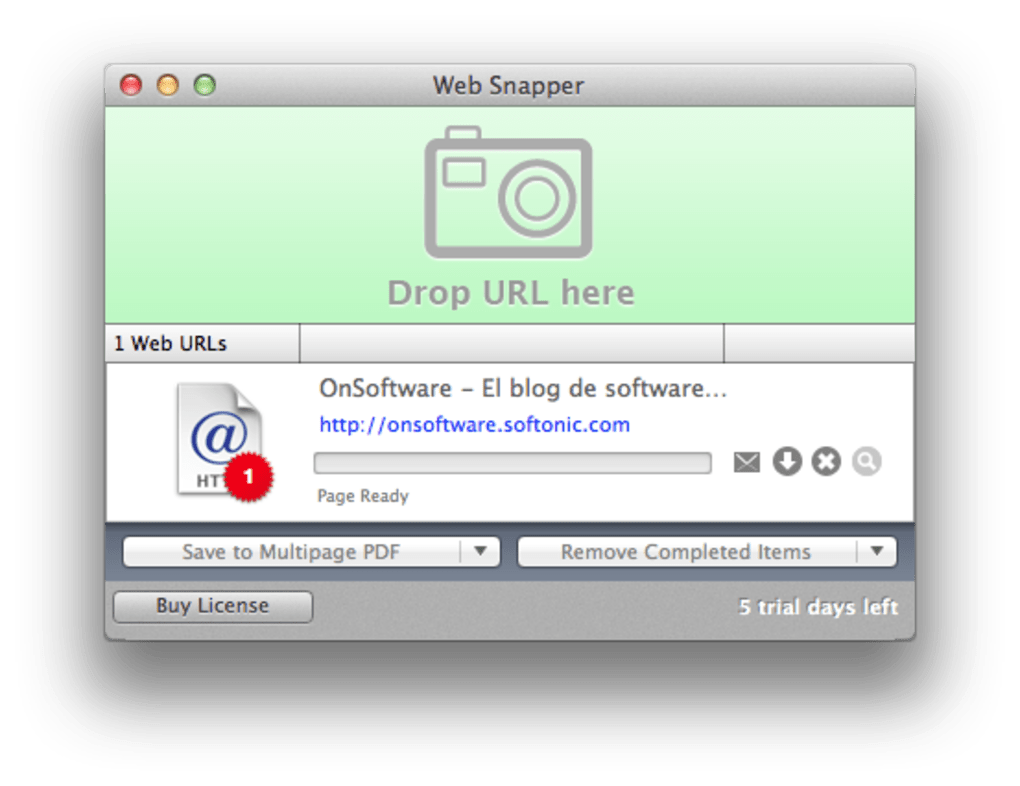
Installing Web Snapper is intentionally simple, catering to both tech‑savvy users and newcomers. After downloading the DMG file from the official Tastyapps website, double‑click to mount the installer, then drag the Web Snapper icon into your Applications folder. macOS may prompt you to confirm that you trust the developer; simply click “Open” to proceed. Once installed, launch the app and you’ll be greeted by a clean toolbar featuring “Capture,” “Batch,” and “Settings” buttons.
The Settings panel allows you to adjust default save locations, choose preferred file formats, and enable or disable automatic updates. Because the program is a trial version, you can test all features for a limited period before deciding whether to purchase the full license. The installation process typically takes less than a minute, and because the application requires minimal disk space, it won’t clutter your system even on machines with limited storage.
System Compatibility and Real‑World Pros & Cons
Web Snapper runs natively on macOS X and earlier versions, making it an excellent choice for users who still operate legacy hardware. The software is optimized for 64‑bit architecture, but it also includes a 32‑bit fallback to ensure broader compatibility. System requirements are modest: a Mac with at least 256 MB of RAM, 50 MB of free disk space, and an internet connection for downloading content. Because it is built specifically for macOS, you won’t find a Windows or Linux version, which may limit cross‑platform usage but guarantees a seamless, Mac‑centric experience. The application integrates smoothly with Safari, Chrome, and Firefox, allowing you to invoke the capture function directly from the browser’s toolbar or via a customizable keyboard shortcut.
Pros
- Fast, one‑click content capture without unnecessary bloat.
- Low system resource usage – perfect for older Macs.
- Supports multiple output formats for flexibility.
- Secure handling of HTTPS downloads.
- Trial version available – test before you buy.
Cons
- Mac‑only – no Windows or Linux support.
- Last major update was in 2012; may lack some modern web‑tech compatibility.
- English‑only interface could be a barrier for non‑English speakers.
- Trial version may impose a download limit or watermark on saved files.
- No built‑in cloud sync; files are saved locally.
Frequently Asked Questions
Is Web Snapper completely free?
Web Snapper is offered as a trial version that is free to download and use for a limited period. After the trial expires, you’ll need to purchase a license to continue using all features without restrictions.
Which macOS versions are supported?
The software supports macOS X and earlier releases, both 32‑bit and 64‑bit. It runs on any Mac that meets the minimum requirement of 256 MB RAM and 50 MB free disk space.
Can I download videos from streaming sites?
Yes. Web Snapper can capture video streams from most major streaming platforms, saving them in MP4 format. However, some sites may employ DRM that the tool cannot bypass.
Does the trial version place watermarks on saved files?
The trial version does not add watermarks, but it may limit the number of captures per day. Purchasing the full license removes all usage caps.
How do I receive updates for Web Snapper?
If you have a licensed version, the app will check for updates automatically at launch. For the trial version, you can manually download the latest DMG from the Tastyapps website.
Conclusion & Call to Action
Web Snapper delivers exactly what its name promises – a quick, reliable way to snap up web content on a Mac. Its minimalistic design, low resource consumption, and straightforward installation make it an ideal choice for students, researchers, and casual users who need to archive webpages or download media without paying for a heavyweight suite. While the lack of Windows support and the age of its last update are notable drawbacks, the trial version still offers genuine value for anyone seeking a free, secure tool to test on legacy macOS machines. If you’re ready to streamline your web‑scraping workflow, simply click the download button below, install the DMG, and start capturing today. Upgrade to the full version whenever you’re satisfied with the performance, and enjoy unrestricted access to all premium features.
Download Web Snapper now and experience a hassle‑free way to save the internet.







